
Short answer
To run WhatsApp customer support well, use the WhatsApp Business Platform (API) with a shared inbox, answer inside the customer service window with free-form replies, use approved templates for outbound updates, and automate routine questions like order status with live tracking data. Keep WhatsApp in the same customer memory as Instagram and email so customers never repeat themselves.
Key takeaways
- The WhatsApp Business app works for a founder answering alone; once several people answer, you need the Business Platform (API) and a shared inbox.
- Customer-initiated conversations open a service window for free-form replies; outbound messages outside it need approved templates.
- WhatsApp customers expect replies in minutes. Automate order status and product questions first.
- Link WhatsApp to the same customer record as email and Instagram.
For many Indian D2C brands, WhatsApp is now the biggest support channel. Customers like it because it's where they already are, and they expect the same speed they get from friends. This guide covers how to set it up properly and how to keep up as volume grows.
WhatsApp Business app vs WhatsApp Business Platform
| WhatsApp Business app | WhatsApp Business Platform (API) | |
|---|---|---|
| Who it's for | Solo founder, very low volume | Teams, growing volume |
| Multiple agents | Limited | Yes, through a shared inbox provider |
| Automation and AI | Basic quick replies | Full automation, AI agents, integrations |
| Order data in replies | Manual | Possible via integrations |
| Cost | Free app | Provider fee plus Meta's messaging charges |
Once more than one person is answering, move to the Platform with a provider and shared inbox. Check Meta's current pricing for your message types, as the model has changed over time.
Service replies vs templates
When a customer messages you, a customer service window opens and you can reply with free-form messages. To start a conversation yourself, such as a shipping update or COD confirmation, you use pre-approved message templates.
| Message | Type |
|---|---|
| Reply to "where's my order?" | Free-form service reply |
| "Your order has shipped" notification | Template |
| COD confirmation before dispatch | Template |
| Follow-up after the window has closed | Template |
Response time expectations
WhatsApp feels instant, so customers expect speed. A reply four hours later feels like being ignored, even if it would be fine for email. Practical targets (guidance, not a benchmark):
| Intent | First response target |
|---|---|
| Order status | Under 1 minute (automated) |
| Product question | Under 5 minutes |
| Complaint or refund | Acknowledge within 15 minutes, resolve same day |
Automating WhatsApp support safely
The intents to automate first on WhatsApp are the same as everywhere, but the payoff is bigger because of the speed expectation:
- Order status with live Shiprocket or courier tracking, not a link.
- COD and payment questions with the order's payment status.
- Product questions answered from your knowledge base.
- Return and exchange policy explained, with approvals handed to a person.
Use a confidence threshold so only clear replies send automatically, and route frustrated customers to your team.
One customer, every channel
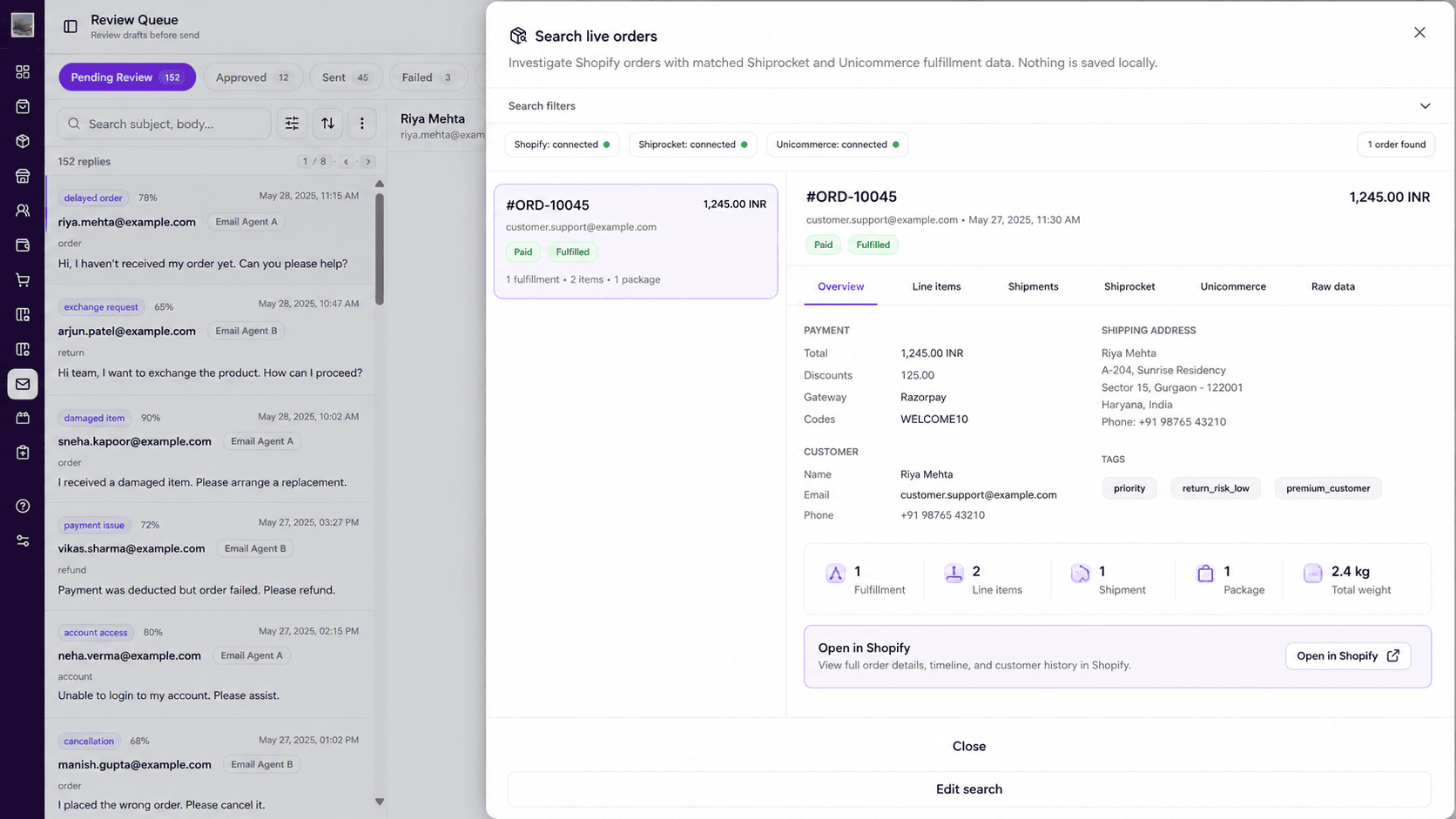
A customer who emailed about a delayed order shouldn't need to explain it again on WhatsApp. Match customers across channels by phone number, email and order ID, so the next message continues the same conversation.
Common mistakes
- Using a personal phone with the Business app after the team grows: no history, no handover, no reporting.
- Broadcasting too much: marketing blasts on the same number your customers use for support erode trust and can hurt your quality rating.
- Sending links instead of answers: "track here" pushes work back to the customer.
- Separate tools for WhatsApp and email with no shared customer record.
Frequently asked questions
Can I use the WhatsApp Business app for customer support?
Yes, at very low volume with one person answering. Once several people answer or you want automation, use the WhatsApp Business Platform through a provider with a shared inbox.
Can AI answer WhatsApp customer support messages?
Yes. AI support tools can read the message, fetch live order and tracking data, and reply within the customer service window, sending automatically only when confident.
What is the best WhatsApp support tool for D2C brands?
It depends on whether you mainly need marketing broadcasts (Interakt, Wati, Bitespeed) or support resolution with live order data across channels (MarQet CX, Limechat). See our comparison of WhatsApp support tools.
Sources and further reading

Written by
Ayush Singhal, Founder, MarQetAyush founded MarQet to give D2C founders one system for customer conversations, daily performance and quick-commerce shelf availability.